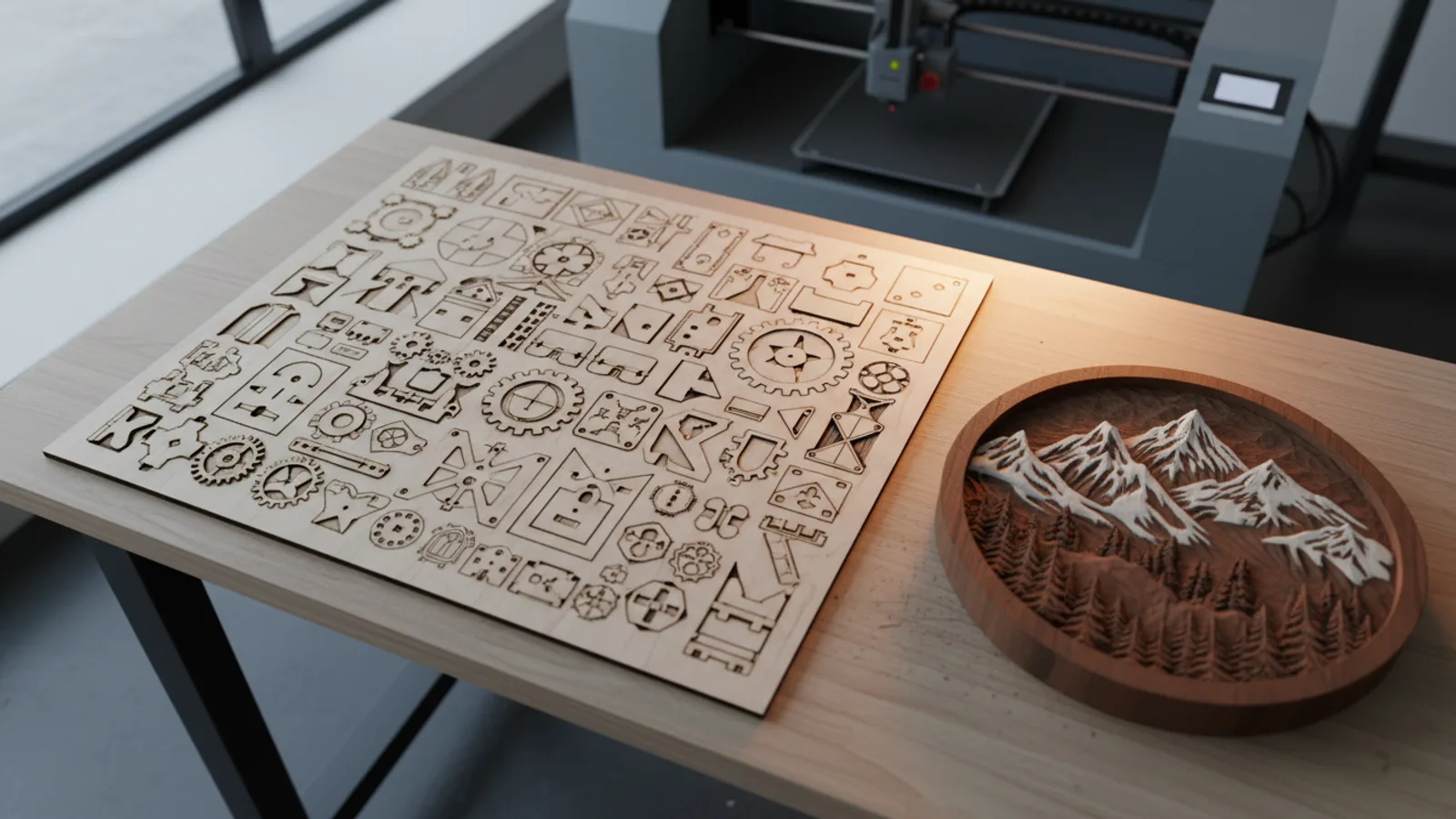
xTool Studio 1.10 is out for Windows and macOS (Intel and Apple silicon), and it’s free. xTool’s release notes are dated Nov 6 and cover build 1.10.15. A lot of small things changed. Three of them matter to most people running a laser.
Smart nesting
Auto Fill now packs parts onto a sheet for you and handles jobs that spill across several sheets, including what xTool calls multi-sheet photo nesting. There’s also a beta option that merges shared edges between neighboring parts, so the laser cuts one line where it used to cut two.
Why care? Less scrap per sheet of plywood or acrylic, and shorter jobs. Plenty of sellers have been paying for third-party nesting tools to get exactly this.
Deeper relief
Relief mode now reads 16-bit depth maps with up to 1,024 layers. In plain terms, carved 3D reliefs come out smoother, with fewer visible steps between layers.
Passthrough images
If you already dither your images in another program, the new passthrough mode sends a black-and-white dithered image straight to the laser without Studio touching it. Niche, but the people who need it have wanted it for a while.
Machine support
- X1: 1.10 adds support for xTool’s new multi-laser platform.
- Capture & Trace: available on the M2, P3, P2S and P2.
- Guided first run: for the M2, O1 and X1.
The Gadgeteer’s write-up also notes new presets for the O1 and print modes for the C1 Color Cutter. Smaller additions include a community material library and batch resizing.
As with any big update, finish the job that’s running before you install it.